
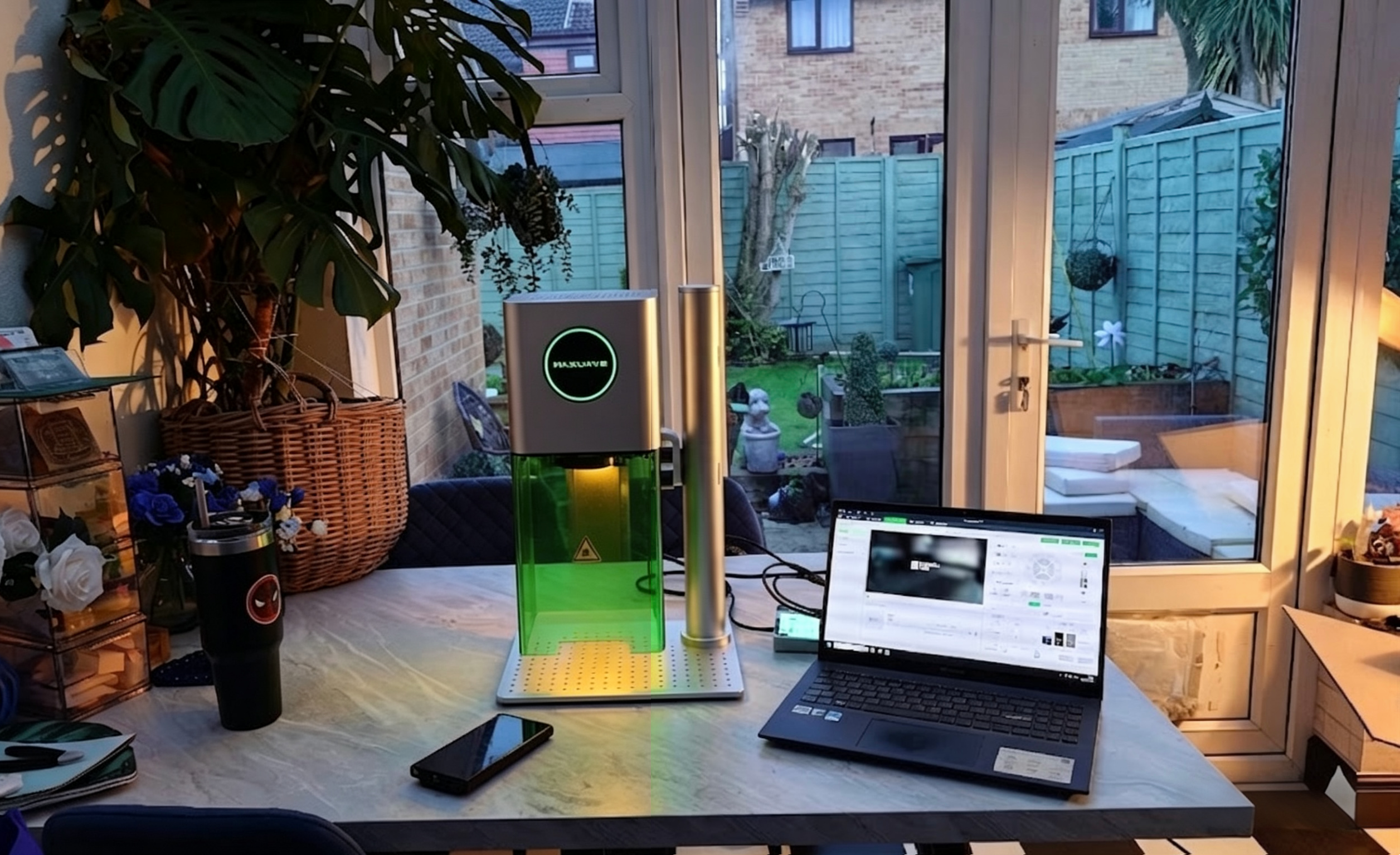
In 2026, spending $800 on a laser engraver could be the most cost-effective decision you make — or it could end up as an expensive machine collecting dust in your garage.
More and more first-time buyers are realizing that the real cost isn’t what you spend — it’s what you choose wrong.
In practice, many users eventually move toward higher-spec machines (typically in the $1,000–$1,500 range), not because they cost more, but because they cover more materials, handle more types of orders, and avoid early limitations that slow a business down.
The customization market is growing rapidly. With the right setup and product focus, some small business owners are generating $3,000 to $8,000 per month through platforms like Etsy and local channels. But not everyone gets there — and machine selection is often the first dividing line.
This guide is built on real data, not hype. You’ll learn:
- The true startup cost of a laser engraving business
- Real-world profit margin breakdowns
- How to choose equipment based on your budget — and your product direction
- Which niches are most likely to succeed in 2026
Instead of asking “Is $800 enough?”, ask a better question:
Will your machine actually support the orders that make you money?
Make decisions based on data — not guesswork.
Rise of Customization: Why 2026 is the Breakout Year for Laser Engravers
Consumer spending habits have changed. People want something personal now — and that shift is opening real doors for small business owners.
Mass-produced is out. People want theirs. Engraved with their dog’s name. Stamped with their wedding date. Personalized gifts, custom jewelry, branded home décor — these categories are taking over Etsy, Shopify storefronts, and local markets. Industry analysts tracking the personalization economy aren’t shocked by this. The segment keeps growing through 2026, driven by gifting culture, fashion trends, and industrial branding demand that shows no sign of slowing down.
Here’s what makes right now different from five years ago: the technology caught up with the opportunity.
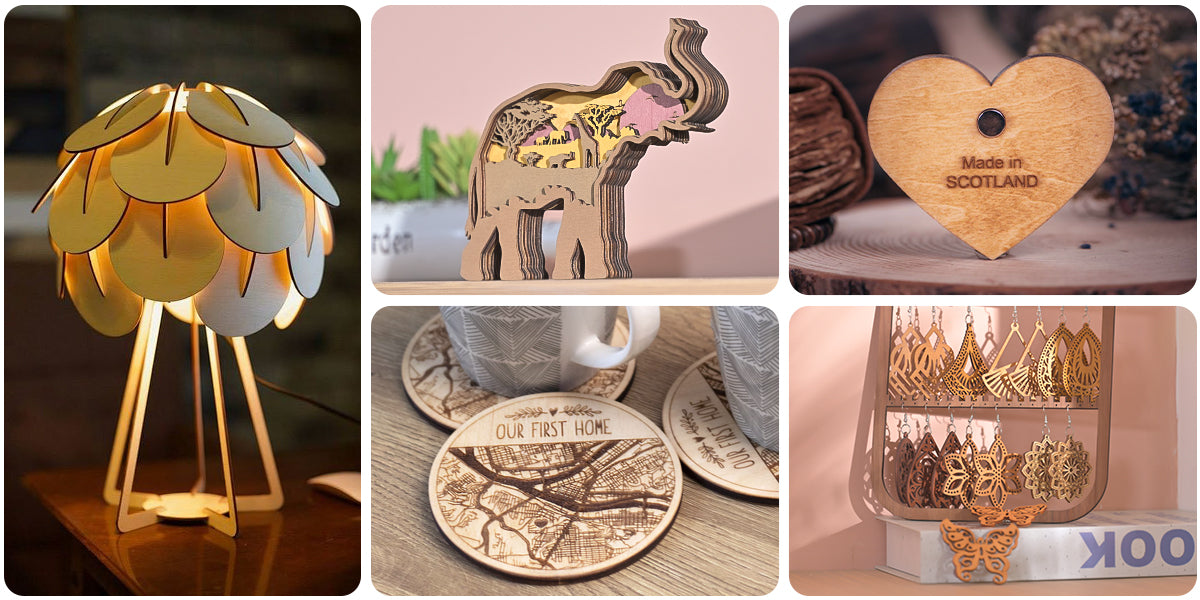
Desktop Power That Used to Cost Six Figures
Laser engravers used to live on factory floors. Bulky, expensive, and out of reach for a solo maker or small shop owner. That’s not the case in 2026.
Today’s desktop CO2 and fiber laser systems pack industrial-grade precision into a footprint that fits a spare bedroom. We’re talking 20W–60W machines with MOPA technology that can handle:
- Deep engraving and 3D relief work on wood, acrylic, leather, glass, and fabric
- Color marking on metals — stainless steel, aluminum, titanium — no extra chemicals needed
- Job completion in seconds to minutes for small-batch orders
The entry barrier has never been lower. Black Friday 2025 deals pushed already-competitive prices down even further. So 2026 is the most affordable entry point this industry has ever seen.
The Economics Are Lining Up
The real business case is speed-to-margin. Traditional manufacturing needs tooling changes between designs. Laser engraver needs zero. You switch from a pet memorial plaque to a corporate gift set without touching a single physical part. That flexibility scales from one custom order to thousands — same process, same machine.
Small businesses that used to outsource engraving work have a clear ROI path here. Replace that outsourcing fee with in-house production, and many operators recoup their machine cost within 3 to 6 months on high-margin custom work.
Now add AI-powered controllers entering the mid-range market. These systems monitor engraving quality in real time. They auto-adjust power and focus. They cut out manual inspection. You end up with a production setup that punches well above its price point.
The global laser and CNC market has already passed $100 billion, growing at 5–7% each year. AI laser integration alone is projected to hit $6.45 billion by 2033. These aren’t vanity numbers. They show real demand flowing toward producers who deliver fast, personalized, high-quality products at scale.
2026 is the tipping point — not because lasers are new. It’s because affordable hardware, AI automation, and surging consumer appetite for customization have come together in a way that didn’t exist before.
Real Costs vs. Real Returns: The Laser Engraver ROI Breakdown
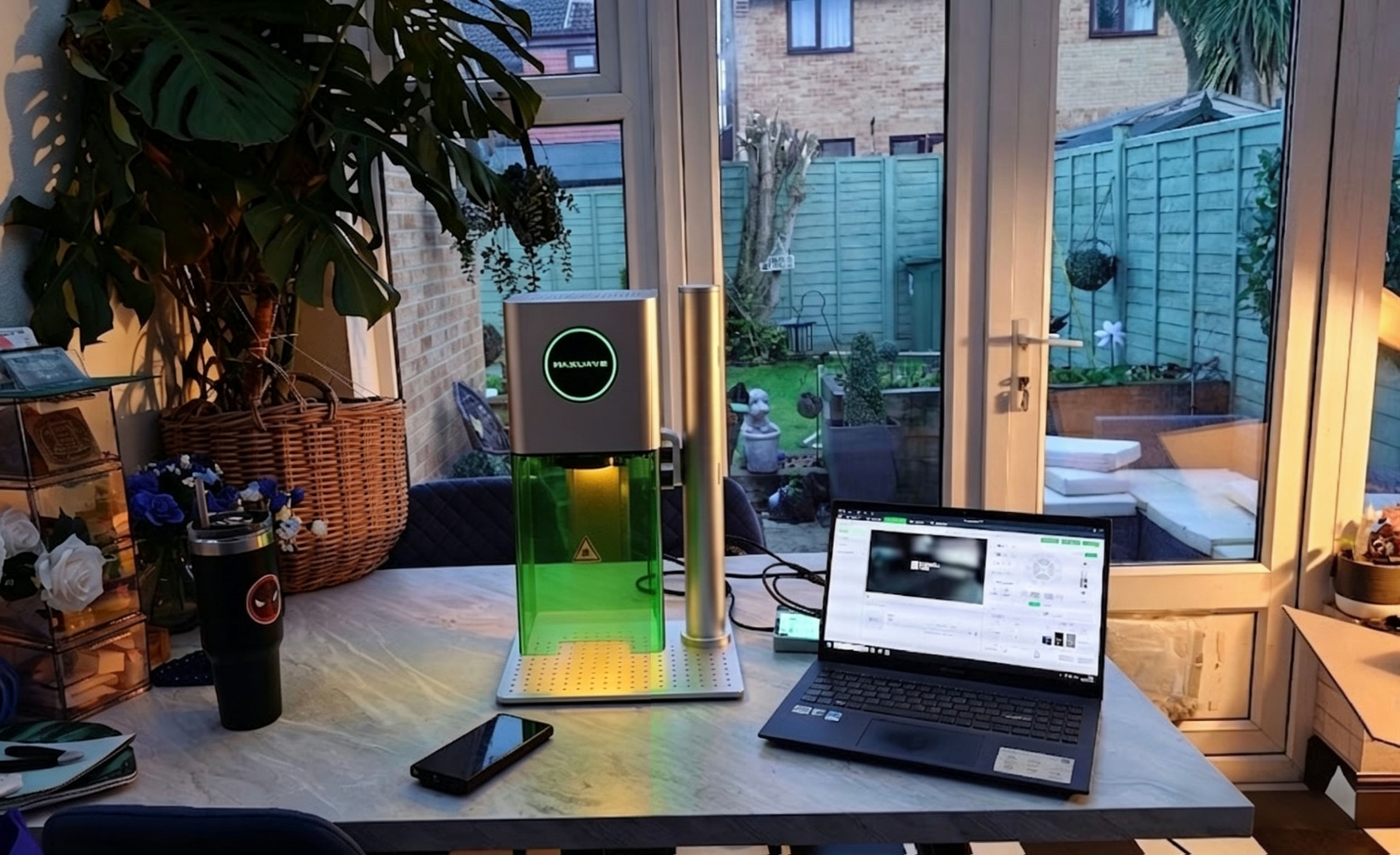
Here’s a number that will stop you mid-scroll: 1,428% annual ROI.
That’s not a typo. A well-run laser engraving operation can hit that number. In this section, we break down how that figure is built, what it costs to get there, and what the math looks like once real-world expenses enter the picture.
What the Machine Price Tag Doesn’t Tell You
The sticker price is just the beginning. Every experienced laser business owner will say the same thing — the machine cost is the number you see. The operating costs are the numbers that decide whether you profit.
Here’s what’s cutting into your margins every single day:
- Electricity: A 100W CO2 laser draws 0.75 kWh per hour. At $0.15/kWh, that’s $0.11 per hour — small on its own, but it adds up.
- Filter Replacements: HEPA and activated carbon smoke purifier filters wear out every 500 hours. Replacement cost? $150 per filter — which works out to $0.30 per operating hour.
- Consumables per job:
- 12×12″ wood board: $2.50
- 4×4″ coated metal sheet: $1.80
- 6×6″ acrylic sheet: $3.20
These costs look small on paper. Run 20 jobs a day, five days a week, and small adds up fast. Operators who skip these line items think they’re making money — right up until they check their bank account at the end of the month.
The Cork Coaster Case Study: Real Numbers, Real Clarity
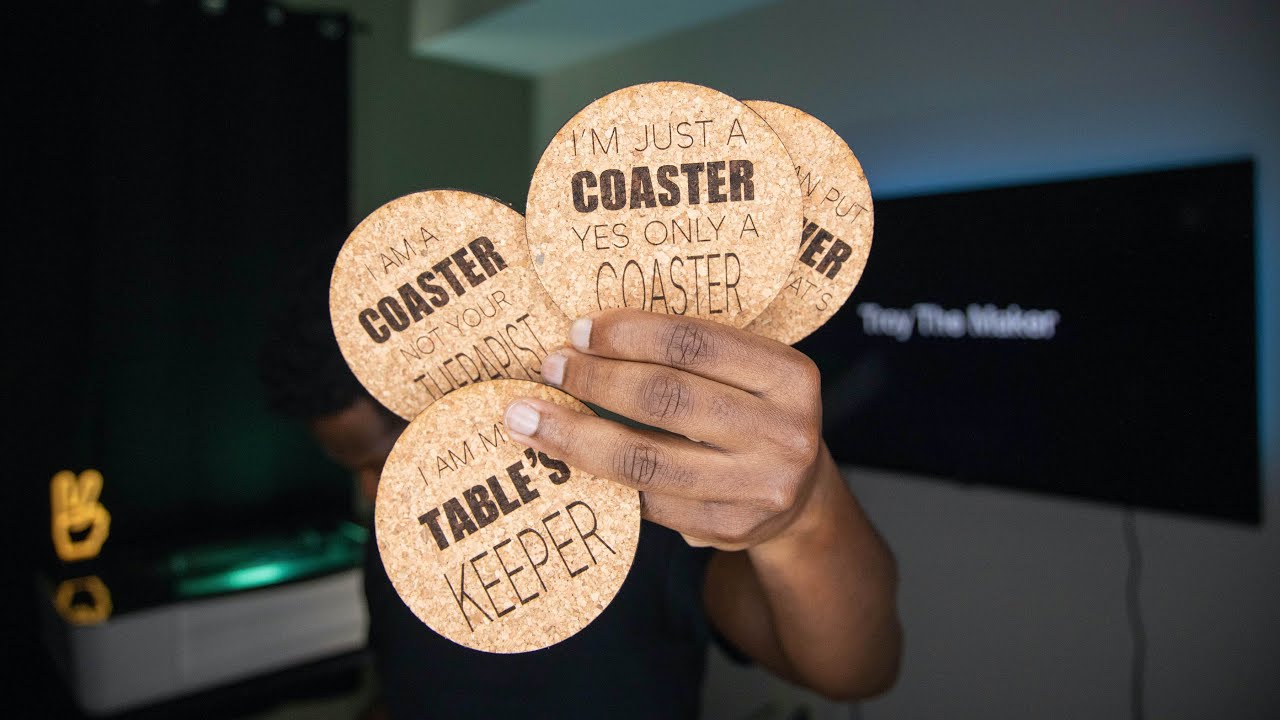
Take a concrete product to see how this plays out. Cork coasters are a high-volume, low-cost laser engraving product with strong Etsy demand. The numbers are eye-opening.
The math:
– Raw material cost: $2.00 per coaster
– Post-engraving sale price: $15–$20 (average $17.50)
– Laser processing time: 2 minutes per piece
– Daily output (40 minutes of laser time): 20 coasters
– Daily revenue: 20 × $17.50 = $350
– Daily variable costs (materials + electricity + filter wear): $44.38
– Daily gross profit: $305.62
Stack that against a $5,000 entry-level machine investment:
Payback period: 16.4 working days.
That’s not an optimistic projection. That’s straight math. At one shift per day, 250 working days per year, the annual net profit lands at $76,405. That produces a nominal ROI of 1,428% and a real (inflation-adjusted at ~3%) ROI of 1,385%.
For context: the benchmark ROI target for small business equipment in Year 1 sits at 300%+. Laser engraving — with hidden costs factored in — averages 500–1,000%. Done right, you beat that benchmark by a wide margin.
Why Speed Is the Real Competitive Moat
The ROI isn’t just about margin per unit. It’s about volume capacity — and this is where laser automation creates a serious structural advantage.
| Metric | Hand Engraving | Laser Automation | Improvement |
|---|---|---|---|
| Time per coaster | 15–20 min | 2 min | 7.5–10x faster |
| Daily output (8-hr shift) | 24–32 pieces | 240 pieces | 10x |
| Error/rework rate | 15–20% | <1% | 95% reduction |
| Labor cost per hour | $20 (skilled) | $5 (operator) | 75% savings |
In 2026, the survival threshold for small laser engraving businesses sits at 50+ units per day. Fall below that, and you’re fighting margin compression from larger competitors. Laser automation pushes you to 200+ units per day. That’s not just profitable — it’s defensible.
The ROI Formula Worth Using
Skip the generic calculator. Here’s how to run the numbers for your specific setup:
- Basic ROI: (Net Profit − Equipment Cost) ÷ Equipment Cost × 100
- Operational ROI: Net Return ÷ Total Cost × 100 (include $5/hr operator labor + 5% annual maintenance)
- Payback Period: Total Investment ÷ Daily Gross Profit
- Annualized ROI (multi-year): [(1 + ROI)^(1/years)] − 1 × 100
Run these against your product, your volume, and your market pricing — not someone else’s assumptions. The coaster example gives you a clear framework. Your laser engraving income will reflect the niche you choose and the consistency you bring to it.
Choosing the Right Laser Engraver: Diode, CO2, or Fiber?
The single most expensive mistake new laser engraving business owners make isn’t buying the wrong materials or targeting the wrong market. It’s buying the wrong machine for what they’re trying to sell.
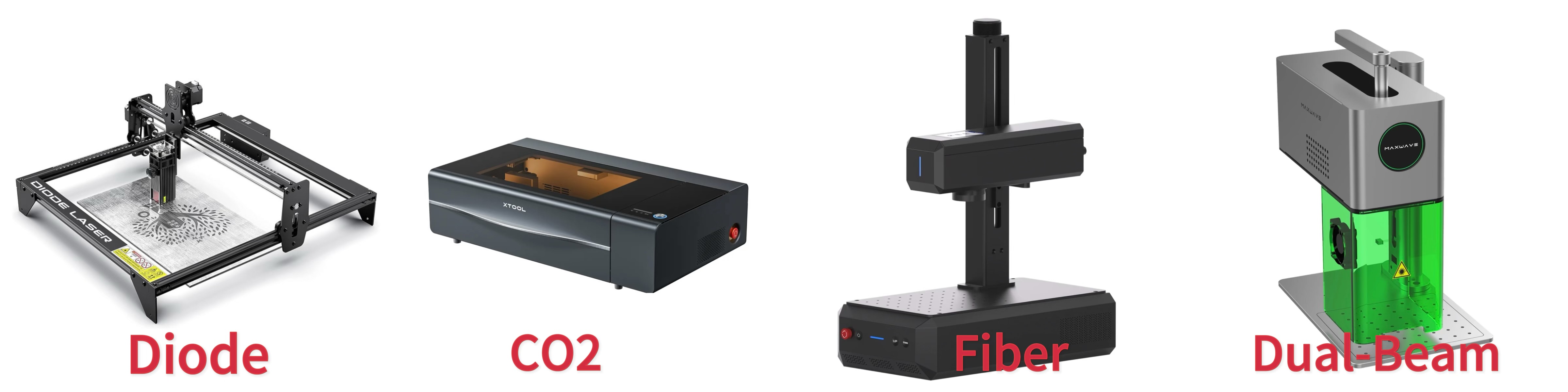
Three laser technologies dominate the small business landscape in 2026: diode, CO2, and fiber. They share a name. They share almost nothing else. Getting this decision wrong costs you money upfront. It also costs you every order you can’t fulfill, every material you can’t cut, and every customer you turn away.
Some newer setups try to reduce this risk by combining two laser sources in one machine — often referred to as a Dual-Beam Laser Engraver — but the core decision still comes down to understanding how each technology works.
Here’s how to get it right.
The Core Difference (And Why It Matters)
Each technology runs at a different wavelength. That wavelength determines what materials absorb the beam — and absorption is everything. A material that doesn’t absorb the laser’s wavelength well will just bounce the beam off or let it pass through. You’re not engraving. You’re heating air.
- Diode lasers (450–980 nm): Compact, affordable, and capable on wood, leather, cork, and fabric. Marketing copy will throw numbers like “20W” at you. Be careful — a 20W input diode produces around 6W of real optical power. That’s the number that cuts. For thin materials under 5mm and high-volume low-depth engraving, diodes are solid workhorses. For metals, you need an IR module add-on. Without it, you’re coating the metal and hoping for the best. In practice, this is where many beginners hit their first limitation — which is why some prefer systems that already integrate an infrared source instead of relying on upgrades later.
- CO2 lasers (10,600 nm): The industry standard for mixed-material small businesses. At 40–150W effective output, CO2 handles thick wood, acrylic, glass, ceramics, leather, and fabric at speeds diodes can’t match. An 80W CO2 cuts through 10mm acrylic in a single pass. That same job takes a diode 10+ passes — and might still leave a rough edge.
- Fiber lasers (1,064 nm): Non-negotiable if metals are your business. Stainless steel, aluminum, titanium, jewelry — fiber doesn’t just mark these surfaces, it owns them.
Deep marks in seconds. High precision. No coatings required. Low-power fiber systems (under 100W) handle engraving and marking. High-power systems (1,000W+) move into cutting territory.
Selling custom dog tags, engraved wedding rings, or branded metal corporate gifts? Fiber isn’t an option — it’s a requirement.
The trade-off is that fiber systems are highly specialized. If your product line is clearly focused on metal, that’s ideal — but if you’re still exploring different materials, it can feel limiting compared to more flexible setups like Dual-Beam Laser Engravers.
Material Compatibility: The Decision You Need to Make
Stop picking a laser. Start by listing what you’re going to sell.
| Material | Diode | CO2 | Fiber | Dual-Beam |
|---|---|---|---|---|
| Wood / Plywood / MDF / Bamboo | ✅ Excellent (thin) | ✅ Excellent (thick, fast) | ❌ Poor | ✅ Excellent |
| Leather / Fabric / Cork | ✅ Excellent | ✅ Excellent | ❌ Poor | ✅ Excellent |
| Glass / Ceramics | ⚠️ Coated only | ✅ Excellent | ❌ Poor | ⚠️ Limited (depends on configuration) |
| Acrylic (opaque) | ✅ Good | ✅ Excellent | ✅ Good | ✅ Excellent |
| Stainless Steel / Aluminum / Jewelry | ⚠️ With IR module only | ❌ Poor | ✅ Excellent | ✅ Excellent |
| Hard Plastics / Rubber | ✅ Good | ✅ Excellent | ✅ Excellent | ✅ Excellent |
The shortcut decision tree:
- Selling metal products as your main focus? → Fiber. Full stop.
- Selling thick wood, acrylic, or glass products? → CO2 at 40W or higher.
- Starting lean with thin materials — wood slices, leather patches, cork boards? → A high-performance diode gets you profitable fast at a lower upfront cost. Look for verified optical output, not inflated input ratings.
- Working with both metal and non-metal, or not fully decided yet? → A Dual-Beam Laser Engraver can reduce the risk of choosing wrong early.
The Power Rating Trap That Kills Beginners
There’s a widespread industry practice of inflating input power specs by 3–4x. A machine marketed as “20W” may deliver 5–6W of actual optical power. That gap isn’t just technical jargon. It’s the difference between cutting 3mm plywood in 1–2 passes and sitting at pass number ten watching your margins disappear.
How to spot a toy machine before you buy:
– Ask for optical power verification, not input wattage
– Real cutters: 5W+ optical burns through 1mm+ wood per pass
– Sub-3W optical output = paper crafts only, not a business tool
– Ask yourself this: Can it cut 3mm plywood in 1–2 passes? No spec sheet support? Walk away.
Any listing claiming “cuts metal” on a diode without specifying an IR module attachment is a red flag. Full stop.
The Software Layer You Can’t Ignore
Hardware picks the ceiling. Software determines how fast you reach it.
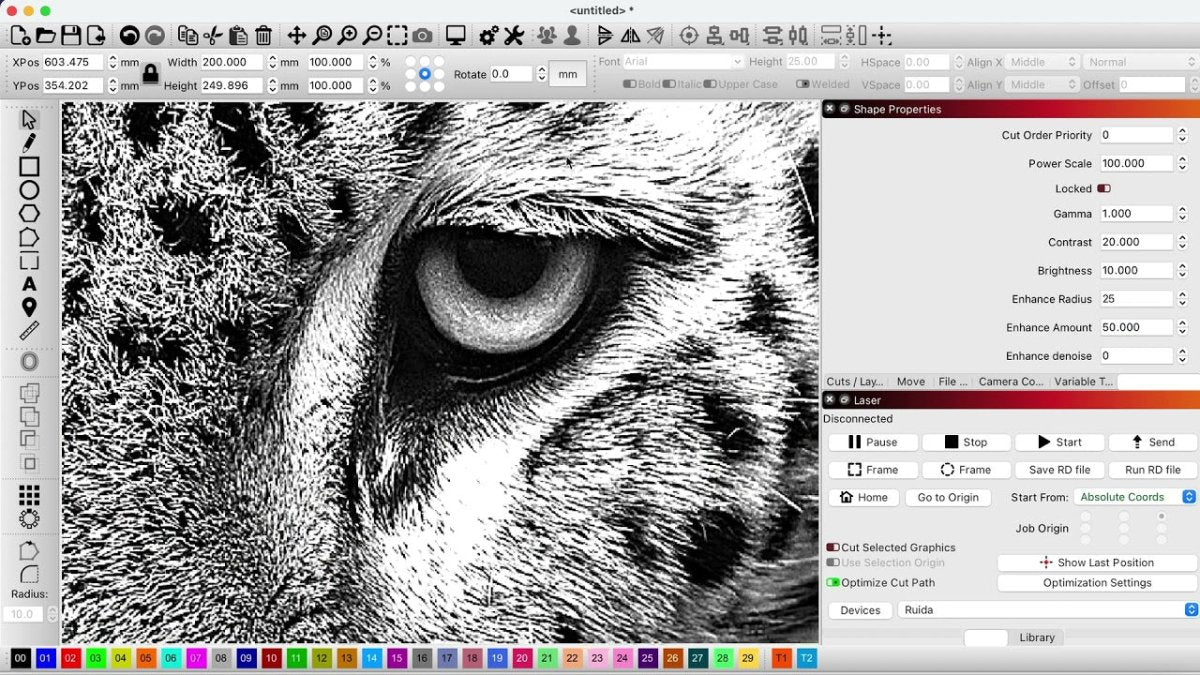
LightBurn is the industry standard for diode and CO2 operators. Plan 4–8 hours for initial setup and another 10–20 hours testing material settings. That sounds like a lot — until you see what manufacturer material libraries eliminate.
Pre-loaded parameter libraries from brands like xTool, OMTech, and increasingly integrated systems like MaxWave cover 50+ materials straight out of the box — wood at 300mm/s and 80% power, leather at 250mm/s and 60%, metals via fiber at 1,000mm/s and 30%. These libraries cut your testing time by 50–80%. What used to take 20 hours of trial-and-error on wood and leather now takes four.
In setups that combine multiple laser sources — such as MaxWave F25CA Dual-Beam Laser Engravers — these pre-configured libraries become even more valuable, since switching between metal and non-metal workflows would otherwise require separate calibration cycles.
Here’s a practical workflow to follow: download LightBurn’s 30-day trial, import your machine’s factory library, test three core materials with ±10% speed and power adjustments, then lock in your production parameters. For a business running 10-job batches, this saves 15–30 hours per month. That’s time you put back into fulfillment, customer acquisition, and scaling.
The right laser technology isn’t the most powerful one. It’s the one that matches your product catalog, fits your startup budget, and gets you to your first profitable order fast.
Common Pitfalls: Why Some Small Businesses Fail with Laser Engravers
The laser engraving graveyard is full of good ideas that died from bad execution.
Research shows the top five operational mistakes account for 70% of early business failures in this space. Not bad products. Not weak demand. Preventable, fixable mistakes that kill cash flow before the machine has paid for itself.
Here’s what goes wrong — and how to make sure it doesn’t happen to you.
Mistake #1: Skipping the Test Grid
Running a job at maximum power without testing first is the fastest way to waste materials and burn your margins. The result? 100% more burn, smoke, and ruined blanks. Every experienced operator runs test grids before every new material. That single habit cuts material waste by up to 80%. Skip it and you’re paying for that decision in scorched wood and missed orders.
Also, every time your material thickness changes — refocus. No exceptions. A small focus shift produces weak, blurry engravings. Customers won’t accept them. You can’t sell them.
Mistake #2: Ignoring Ventilation (Until Your Neighbors Call)
Poor ventilation isn’t just uncomfortable. It’s a liability that can end your business. Smoke buildup creates health risks, triggers neighbor complaints, and can shut down a home studio fast.
The fix is straightforward: an exhaust system plus an inline fan wipes out odor complaints for good. Yet this stays the #3 most common oversight among new laser owners. Don’t let a $150 fan be the reason your $3,000 machine sits idle.
Mistake #3: Competing on Price Instead of Complexity
This is where most laser businesses bleed out — quietly, slowly. Shops selling basic tumblers and generic gifts enter price wars they can’t win. Margins drop below 20%. Revenue stalls. The business feels broken even when the machine runs fine.
The way out is complexity. Detailed artistic designs with 0.01mm precision command 2–3x price premiums over generic items. Customers don’t pay more for laser engraving. They pay more for something they can’t get anywhere else.
Mistake #4: Buying Cheap and Getting Ghosted
Discount machines from Amazon carry a hidden cost: zero support once something breaks. Sellers disappear after the purchase — no replacement parts, no technical help, nothing.
Factory-direct suppliers cut downtime by 70–90% through 24/7 support and fast parts replacement. Your machine is your revenue source. Downtime isn’t just an inconvenience — it’s a cash flow crisis.
Mistake #5: Expanding Before You’ve Found Your Niche
The #1 failure trigger for laser businesses isn’t slow sales. It’s premature scaling — adding inventory, buying second machines, and stocking materials before you know what sells. Poor storage alone wastes 30–50% of usable space. Overbuying unsold stock forces deep discounts. Those discounts destroy the margins you built up.
The businesses that survive their first year pick one tight niche, master it, then grow. The ones that fail try to sell everything to everyone from day one.
Quick-reference checklist before you scale:
- ✅ Test grids on every new material batch
- ✅ Exhaust + inline fan installed before your first customer order
- ✅ Product line focused on complex, high-margin designs
- ✅ Machine sourced factory-direct with verified support channels
- ✅ Cash flow forecast that accounts for 10–20% average machine downtime
- ✅ Niche locked in before adding SKUs or second equipment
Avoiding these pitfalls won’t guarantee success. But every laser business owner who failed broke at least two or three of these rules. The data doesn’t lie.
Conclusion
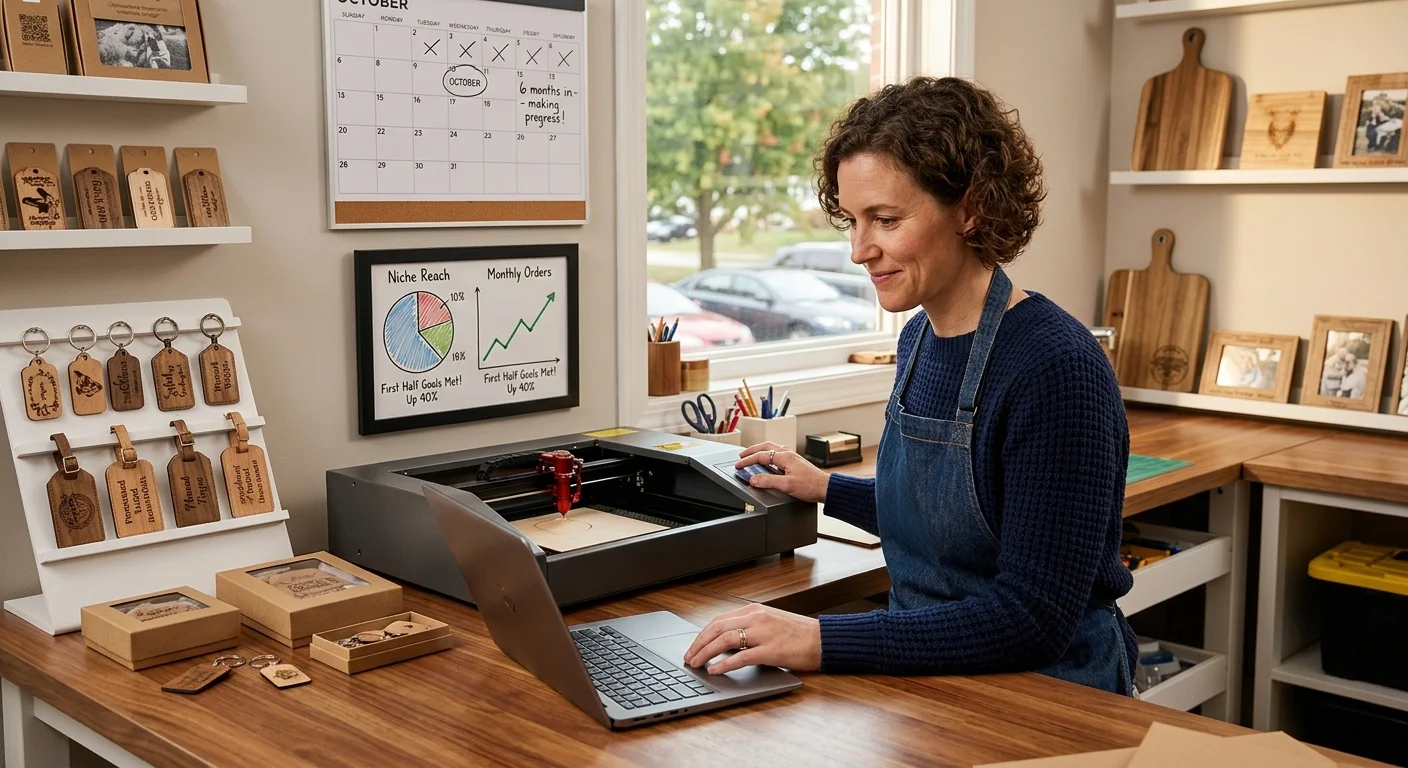
A laser engraver isn’t just equipment — it’s a tool that turns ideas into revenue. For many small businesses, the payback comes faster than expected — often within 6–12 months — when the niche is clear and the focus stays tight.
The gap between those who grow and those who stall isn’t luck. It’s direction. The ones that succeed don’t just buy a machine — they build a workflow around it. They match the right technology (diode, CO2, fiber, or a more flexible setup like a Dual-Beam Laser Engraver) to what they actually plan to sell, price with margin in mind, and turn every order into repeatable income.
The upfront cost is visible. The cost of choosing wrong isn’t — until it slows you down, limits what you can make, and quietly eats into your profit.
The customization economy isn’t slowing down — it’s expanding every year.
The only real question is: will you be selling into it, or still watching from the sidelines?
Find the setup that fits your products and start building your revenue stream today.

0条评论