
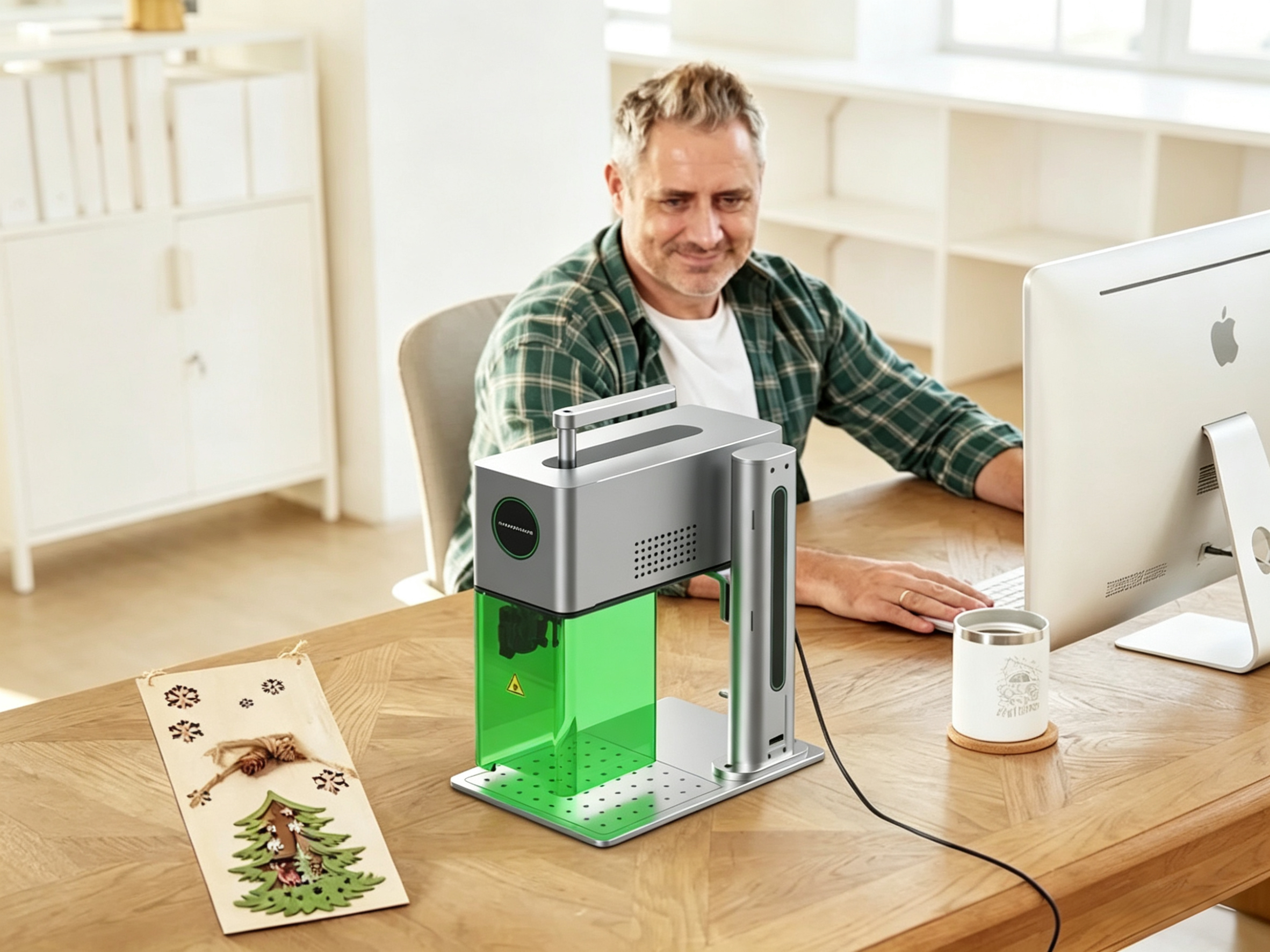
Laser engravers used to demand a dedicated studio, a steep learning curve, and a budget that sent most hobbyists running. That’s no longer the case.
In 2026, the best laser engravers for beginners are plug-and-play out of the box — smarter, safer, and more affordable than ever. Want to personalize gifts? Start an Etsy side hustle? Or just make something with your own hands? The right machine gets you there faster than you’d expect.
This guide gives you honest picks, a no-fluff buyer’s checklist, and your first five project ideas. Everything you need to buy smart and start strong.
Best Laser Engravers For Beginners In 2026
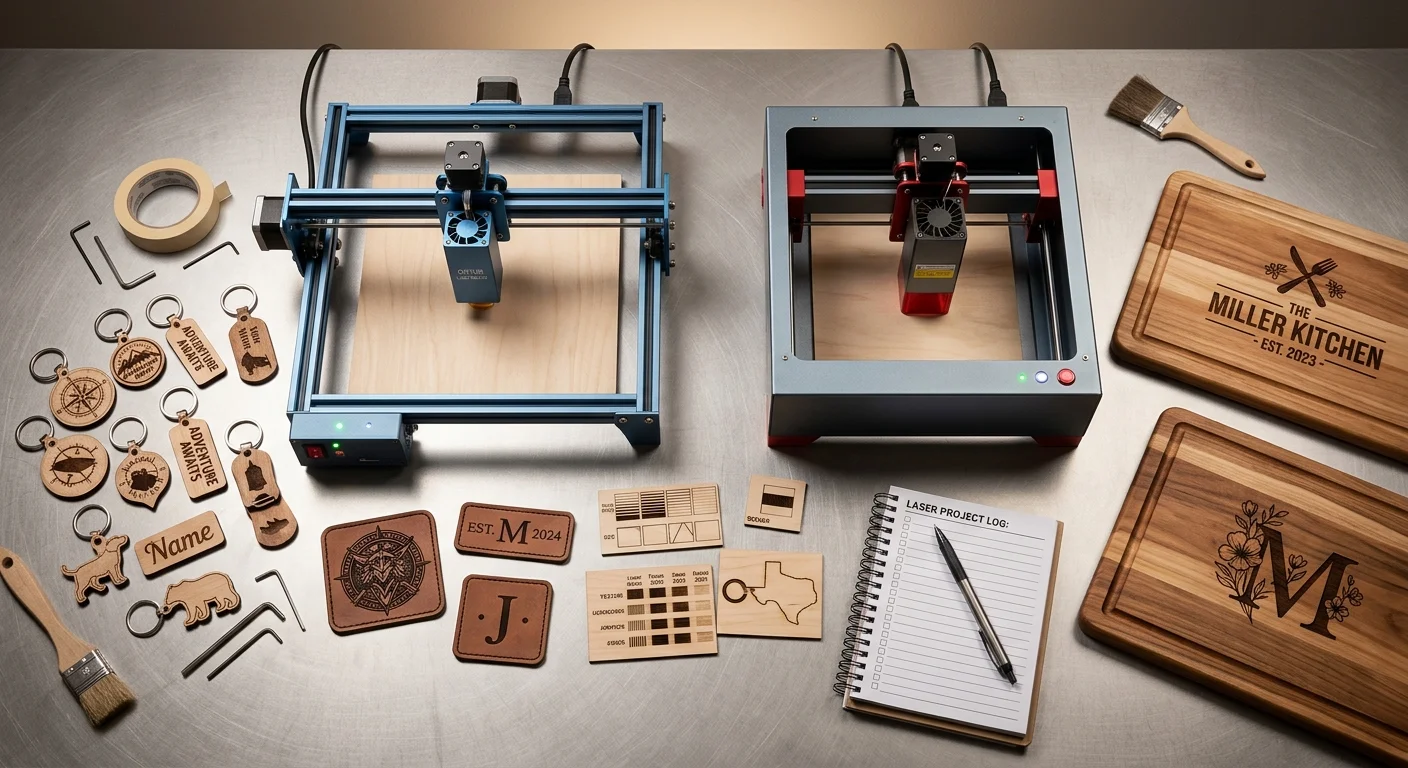
Eight laser engravers made the cut. Each one earns its place for a different reason.
| Machine | Price | Best For |
|---|---|---|
| MaxWave F25CA | US$1,200 | Best overall budget performance |
| xTool D1 Pro 40W | US$1,000 | All-around reliability |
| Creality Falcon 2 22W | US$1,788 | Beginner-friendliest software |
| Ortur Laser Master 4 20W | US$1,279~1,609 | Value-first shoppers |
| LONGER Ray5 | US$1,800 | Offline, touchscreen freedom |
| Creality Falcon A1 Pro | US$999 | Enclosed, camera-equipped |
| Atomstack P1 | US$499. | Plug-and-play simplicity |
| xTool F1 Portable | Under $2,000 | Speed + ease of setup |
All run on diode laser technology — the go-to starting point for beginners. You get lower prices, better safety, and a much simpler setup compared to CO2 alternatives.
Most support LightBurn or their own built-in software. Either way, you can start engraving wood, leather, and anodized aluminum within the first hour.
Why 2026 Is the Perfect Time to Start Laser Engraving
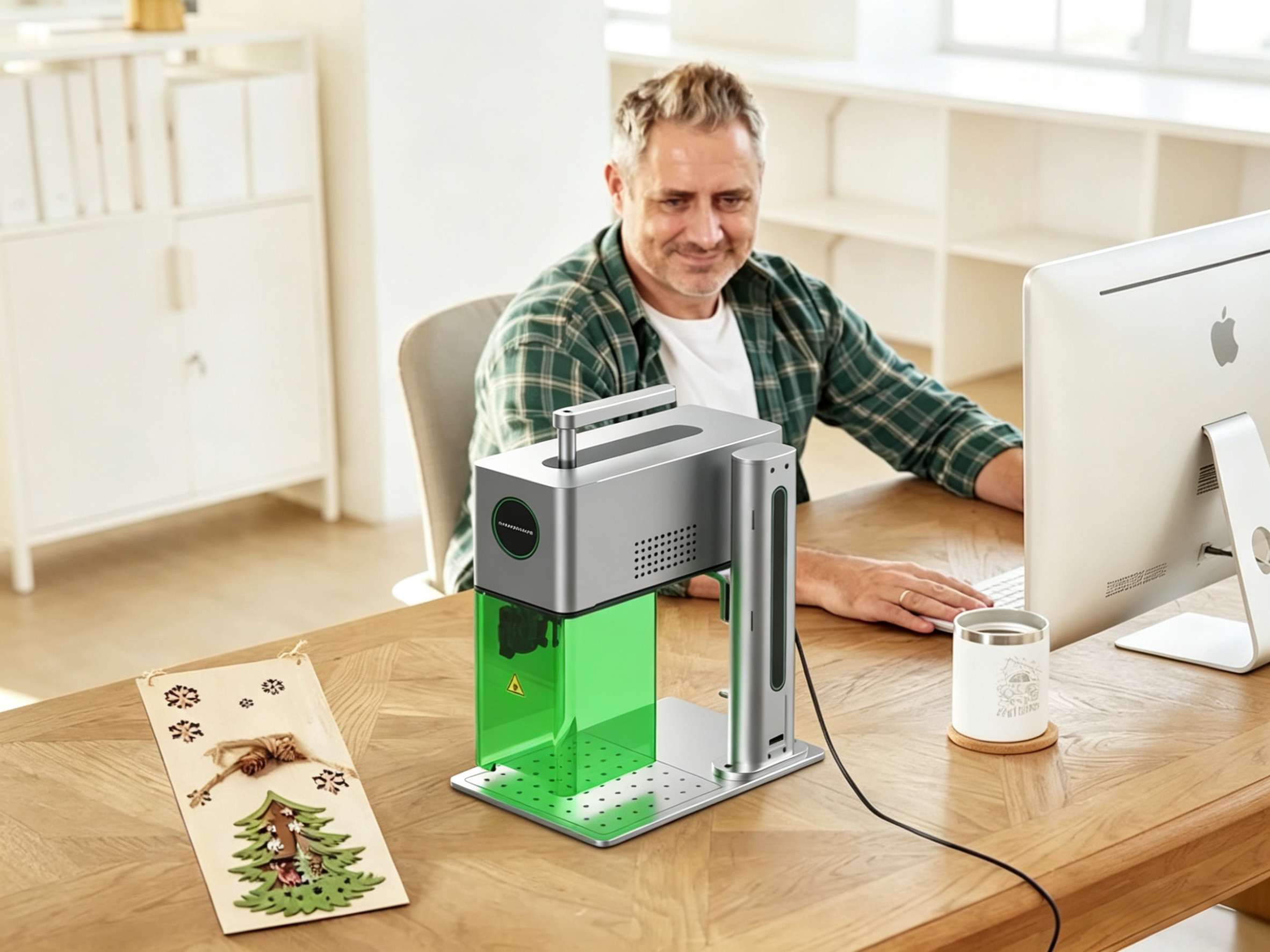
The numbers speak for themselves: the desktop laser engraving market hit $2.5 billion in 2026, growing at over 12% per year. That’s not a niche hobby trend — that’s a full-scale shift in how people make things.
Three forces came together to make this moment stand out.
AI got practical. Today’s easy to use laser engravers use real-time path optimization and auto-adjustments. These features used to exist only in industrial equipment. Now you get fewer ruined materials, less trial and error, and faster results on your first project.
Hardware got smaller without getting weaker. Mini laser engravers now fit on a desk. They run at high speeds and handle materials that once needed a dedicated workshop — wood, leather, acrylic, anodized aluminum, even glass.
The market created real demand. Customized phone cases, personalized jewelry, corporate awards, logo-engraved keychains — laser engraver buyers want these products. They’re willing to pay for precision and durability. That’s a real business opportunity, not just a trend.
Plus, 85% of manufacturers now focus on multi-material versatility. So beginner machines ship ready to handle more materials from day one. You’re not stuck with a limited tool.
The barrier is gone. The opportunity is here.
The 5 Best Laser Engravers for Beginners in 2026
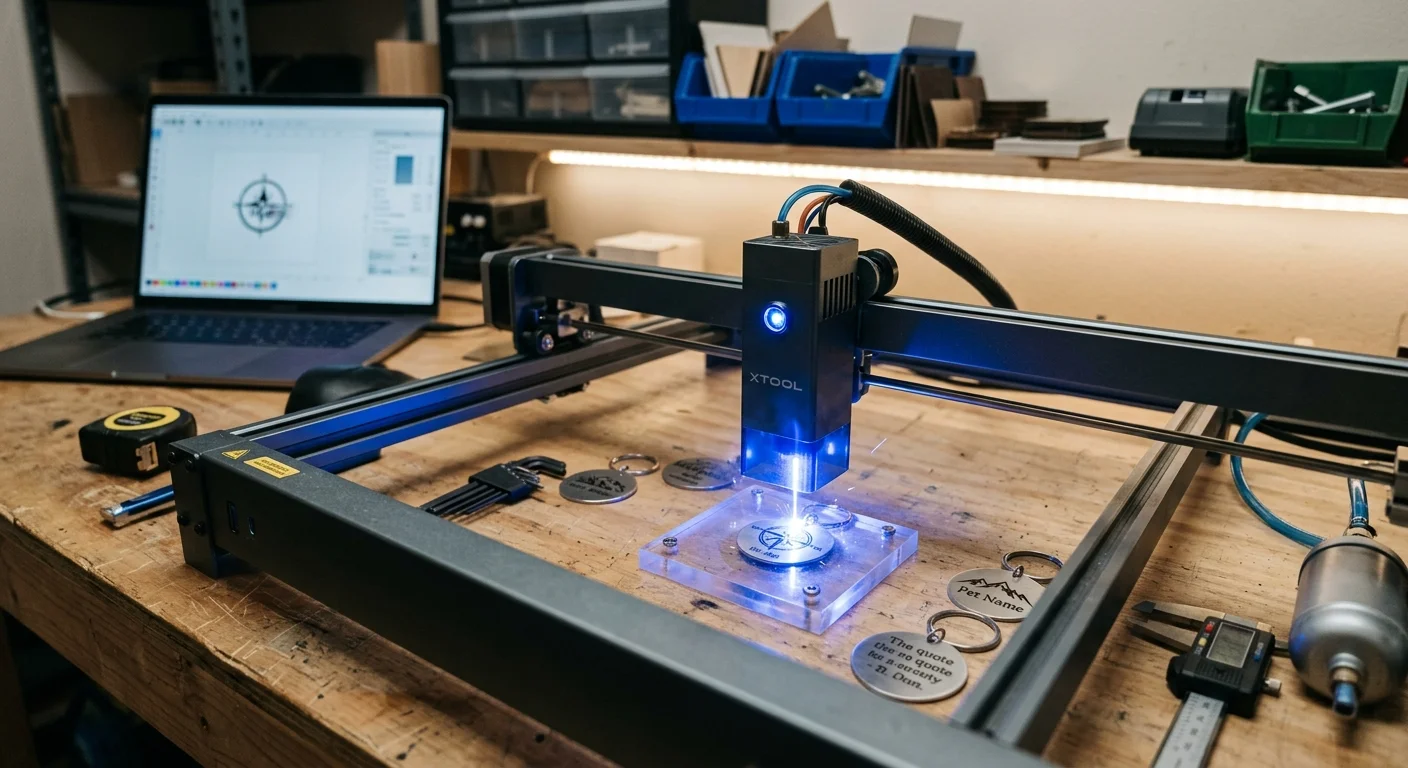
Five laser engraver machines rose above the rest. Not because they’re the most powerful, or the most talked-about on forums — but because they work for people who are just starting out. Here’s what each one does well, and who it’s built for.
1. MaxWave F25CA Dual-Laser — The One That Marks Anything, Instantly
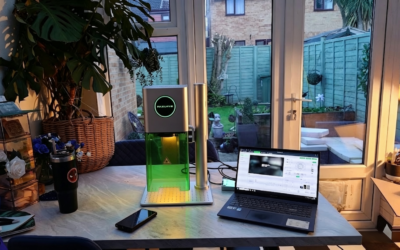
Switching between materials shouldn’t slow you down. With dual-laser integration (fiber + diode/CO₂ depending on config), the F25CA laser engraver eliminates the need for multiple machines — and that’s what separates it from everything else in its class.
Metal one minute. Wood the next. No compromise.
Select your source. Adjust focus. Start marking.
Metal one minute. Wood the next.
Select your source. Focus. Start marking.
The fiber laser engraver delivers sharp, permanent results on metals like stainless steel, aluminum, and brass. The dual laser handles wood, leather, acrylic, and plastics — giving you true multi-material capability in one system.
What it handles well: Metals, coated metals, anodized aluminum, wood, leather, acrylic, plastics.
Performance snapshot: Up to 7000 mm/s marking speed with high precision — ideal for logos, serial numbers, and customization work.
The honest caveat: Not designed for thick material cutting. But for engraving across multiple materials? It’s a highly efficient all-in-one solution.
Price: $2,500–$4,500
2. xTool D1 Pro 40W — The One That Gets You Engraving Fast
Setup time: under 15 minutes. That’s not a marketing claim. It’s a measurable fact that separates the xTool D1 Pro from every other machine in this price range.
Plug it in. Calibrate the focus. Load a file. Engrave.
The integrated air assist clears smoke from the cutting path in real time. You get cleaner edges on wood and leather, less charring on acrylic, and fewer do-overs on your first ten projects. The xTool Creative Space software is built for beginners — drag-and-drop design, material presets, and no manual G-code required.
What it handles well: Wood, leather, anodized aluminum, acrylic. At 10W, it cuts 3mm plywood in 2–3 passes and engraves to a depth of 1–2mm per pass.
The honest caveat: It’s not built for thick material cuts. Want to slice through 6mm+ wood on a regular basis? You’ll outgrow it. But for a beginner building skills and a small product line? It’s a reliable first laser engraver machine.
Price: $1,200
3. Creality Falcon 2 22W — The One That Gives You Real Cutting Power
Most entry-level diode laser engravers are fine for engraving. Cutting is where they struggle. The Falcon 2 22W changes that — it brings actual cutting capability into the beginner price range.
More power. Fewer passes. Cleaner results.
Set it up. Load your file. Start cutting.
With 22W output, it cuts through 10mm wood in a single pass under the right settings — something lower-power laser engraver machines can’t match. Engraving is fast and consistent, and the upgraded air assist improves edge quality while reducing burn marks.
It still keeps things beginner-friendly. Assembly is straightforward, and Creality’s software ecosystem is easy to learn, even if you’ve never used a laser before.
It’s a different kind of starter machine — less about ultra-polished finish, more about raw capability and flexibility.
Best for: Beginners who want stronger cutting performance and room to grow into small business production.
4. Ortur Laser Master 4 20W — The Safety-First Workhorse
At 20W, the Ortur Laser laser engraver Master 3 cuts material that 10W machines can’t handle — 6–8mm wood, thicker leather, denser MDF. The speed range hits 300–500mm/s. That means less waiting between projects.
But the feature that earns its beginner recommendation isn’t the power. It’s the flame detection and emergency stop system.
Diode lasers can ignite material when something goes wrong — a miscalculated pass, an unsupervised run, a setting that’s a bit off. Ortur built real-time monitoring into this machine. It detects abnormal heat or flame and shuts itself down. That’s not a standard feature at this price point.
Software: Compatible with both LightBurn (the industry standard) and LaserGRBL (free, beginner-accessible). You can start simple and build your skills without switching machines.
Price: $1,279~1,609
Best for: Beginners who want room to grow — and want to grow without safety compromises.
5. LONGER Ray5 — The One That Keeps Things Simple and Affordable
Not every laser engraver beginner wants to spend $1,000+ to get started. Some just want a reliable machine to learn the basics and start making small projects.
The LONGER Ray5 is built for that. It’s straightforward, budget-friendly, and easy to get up and running — without overcomplicating the process.
Assemble it. Load a design. Start engraving.
It handles wood, leather, and coated metals well for everyday projects. Engraving quality is consistent, and the offline control option (via TF card or touchscreen) means you don’t always need a computer connected.
It’s not about maximum power or speed. But for learning, testing ideas, and creating simple products, it does the job without getting in your way.
Best for: Beginners who want a low-cost entry point, simple operation, and a no-pressure way to start engraving.
What Makes a Laser Engraver “Beginner-Friendly”?
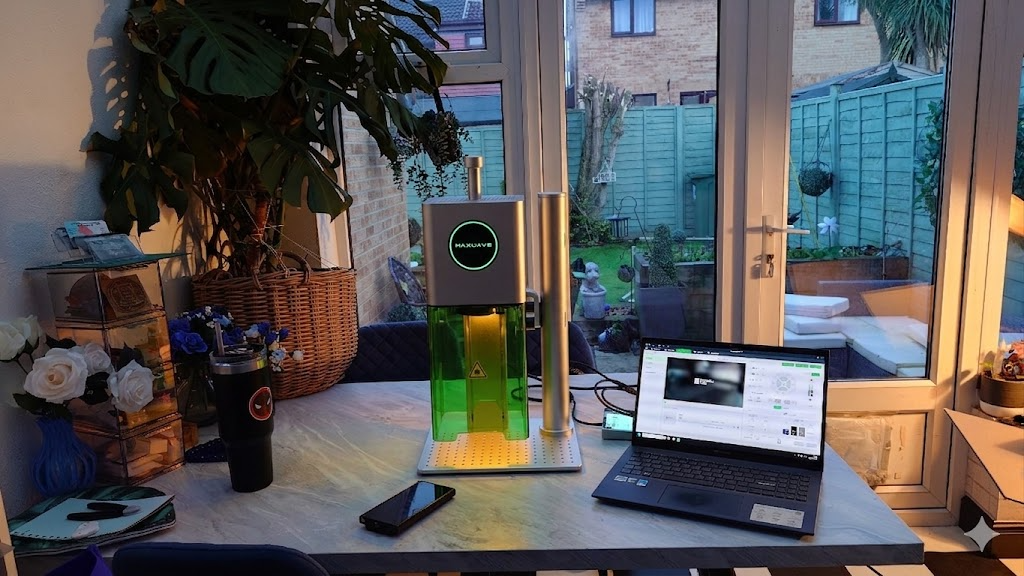
Here’s the honest truth: raw power doesn’t make a great beginner laser engraver. The right one keeps you safe, gets you running fast, and doesn’t punish you for not knowing what you’re doing yet.
Four things separate a real beginner-friendly engraver from one that just markets itself that way.
Assembly That Doesn’t Kill Your Momentum
The best beginner laser engravers ship pre-assembled. You’re not rebuilding a printer from scratch. You’re doing light frame work, tightening a few bolts, and plugging in cables. Most solid entry-level diode lasers are ready to engrave in under an hour. Complex instructions with no clear starting point? That’s not a beginner machine.
Software You’ll Use on Day One
Two options cover most beginner needs:
- LaserGRBL — Free, Windows-only, minimal setup. Import a design, set speed and power, go. No subscription, no friction.
- LightBurn (~$60) — The industry standard. It has a built-in design tool, material presets, and works with almost every diode laser on the market. Worth the cost once you’re past the first few projects.
- Bluetooth Connection (Phone / Computer) — Some devices, such as the MaxWave F25CA, support Bluetooth Direct. Jobs can be sent from your phone or computer without cables. This results in simpler setup and greater flexibility—ideal for small spaces or wireless workflows.
For design work, Canva handles simple text and graphics with no learning curve. Inkscape gives you free vector editing once you’re ready for more control.
The machine matters less than whether its software clicks for you straight away.
Safety Features That Work Without Your Attention
This isn’t optional. Look for:
- Emergency stop button — cuts all power at once
- Tilt and motion detection — shuts off if the machine shifts
- Flame and smoke detection — alerts you before a small mistake becomes a fire
- Air assist — clears debris from the cut path, reduces charring, and cuts fire risk by a large margin
Diode laser engraver s have a clear safety edge over CO2 alternatives. Lower power, more compact, easier to contain. Still, the features above are what separate a safe workspace from a stressful one.
Materials That Work Out of the Box
A good beginner laser engraver handles the essentials with no extra setup: wood, acrylic, leather, paper, vinyl, and coated metals. You shouldn’t need a separate coating kit or a firmware upgrade just to engrave a birthday gift on your first weekend.
Some models in the $1,200–$2,000 range add glass and direct metal engraving, plus enclosed designs with dual cameras for alignment. Those features speed up results — but they’re upgrades, not starting requirements.
The baseline rule: put user-friendliness, safety, and solid support above power specs and work area size. You can always upgrade later. A bad first experience, though, is hard to shake.
Beginner’s Guide: Your First 5 Projects
The fastest way to get good at laser engraving is to make actual things. Not test squares. Not calibration burns. Real projects with real deadlines — a birthday next Friday, an order due Monday.
Five projects below cover the core fundamentals. Each one is manageable. None will leave you stuck.
1. Engraved Wood Keychain
Simple geometry, low material cost, fast to complete. You’ll learn focus distance, speed settings, and how grain direction affects burn quality. Make ten of them. The tenth will look sharper and cleaner than the first.
2. Personalized Cutting Board
Text plus a simple graphic on a flat surface. This is where file prep, font sizing, and vector vs. JPEG really click. Give it as a gift. That deadline pushes you to get it right.
3. Custom Leather Patch
Leather burns at a different rate than wood. Drop the power, slow the speed, and dial in your precision. You’ll learn material-specific settings here — and that skill carries over to every other material you touch.
4. Engraved Phone Case
Flat anodized aluminum or hard plastic. The small surface area trains you to work with tight accuracy. You’ll also nail alignment and job repeat — two skills that matter the moment orders start coming in.
5. Stenciled Gift Tag Set
Cut multiples from cardstock or thin wood. Same settings, repeated jobs, batch output. This is where you stop thinking like a hobbyist and start thinking like someone who fills orders.
Each project builds one new skill. Stack them in order. Within your first month, you’ll have a solid workflow — and a real portfolio to show for it.
Maintenance & Safety Tips
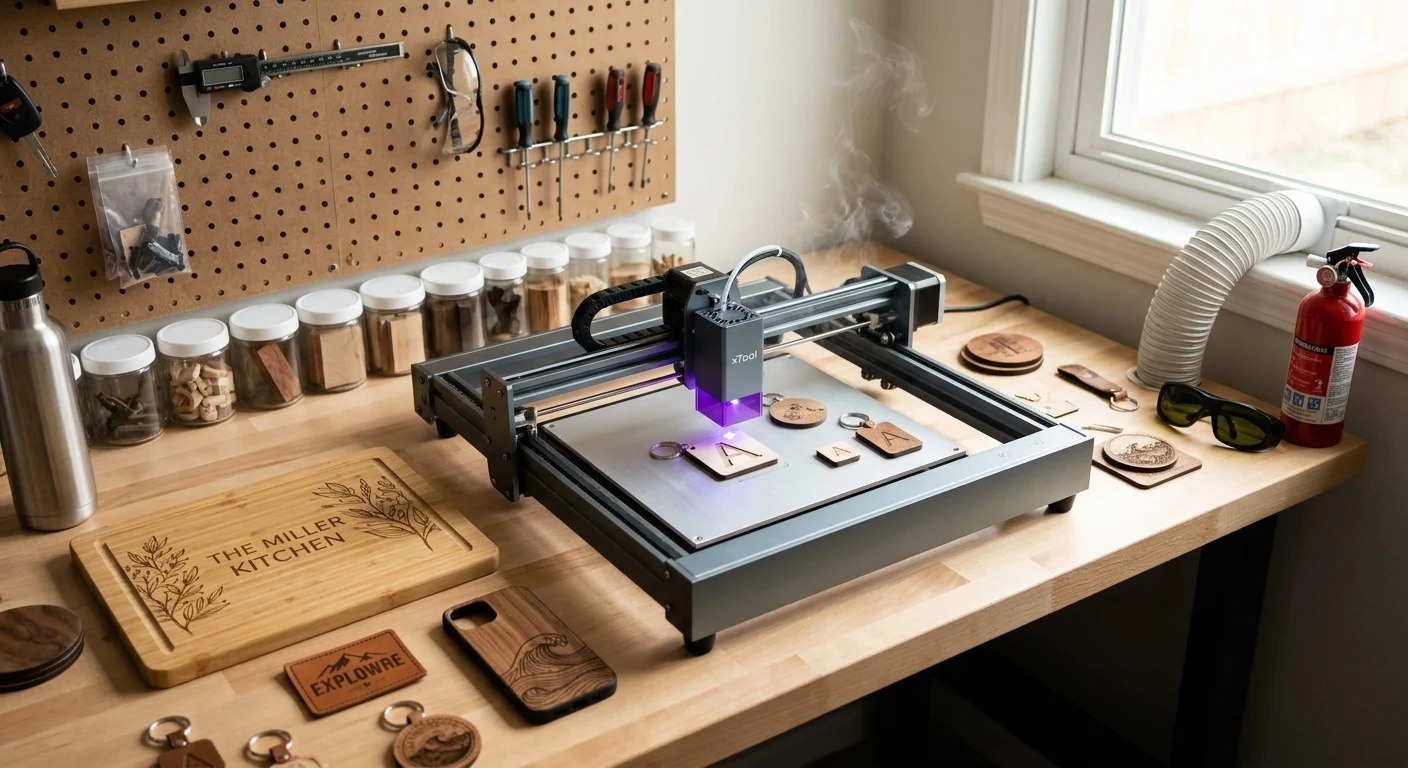
A clean machine is a reliable machine. That’s not a suggestion — it’s the difference between a laser that cuts clean every time and one that ruins your tenth project in a row.
Spend five minutes after every session on these basics:
Lens and mirror cleaning
Use a lint-free cloth with isopropyl alcohol. Residue builds up fast. A dirty lens scatters the beam. It reduces cutting precision and forces you to run extra passes.
Rail and track maintenance
Wipe down the X and Y rails with a dry cloth. Add a light machine oil every 20–30 hours of use. Grit and debris cause stuttering. Stuttering ruins fine engraving detail.
Air assist nozzle check
Clear any blockages before each session. A clogged nozzle traps smoke on your material. That leads to charring, discoloration, and fire risk.
On safety, non-negotiable:
- Never leave a running session unattended — even for two minutes
- Always use eye protection rated for your laser’s wavelength
- Keep a fire extinguisher within arm’s reach, not across the room
- Ventilate with purpose — a window fan isn’t enough for regular use. Get a dedicated fume extractor before you need one
One habit most people skip: check your focus calibration on your laser engraver before each new material type. An unfocused beam doesn’t just give poor results. It concentrates heat in ways you can’t predict. That’s how materials catch fire or warp without warning.
Build these habits in your first week. By your third project, you won’t have to think about them.
Conclusion
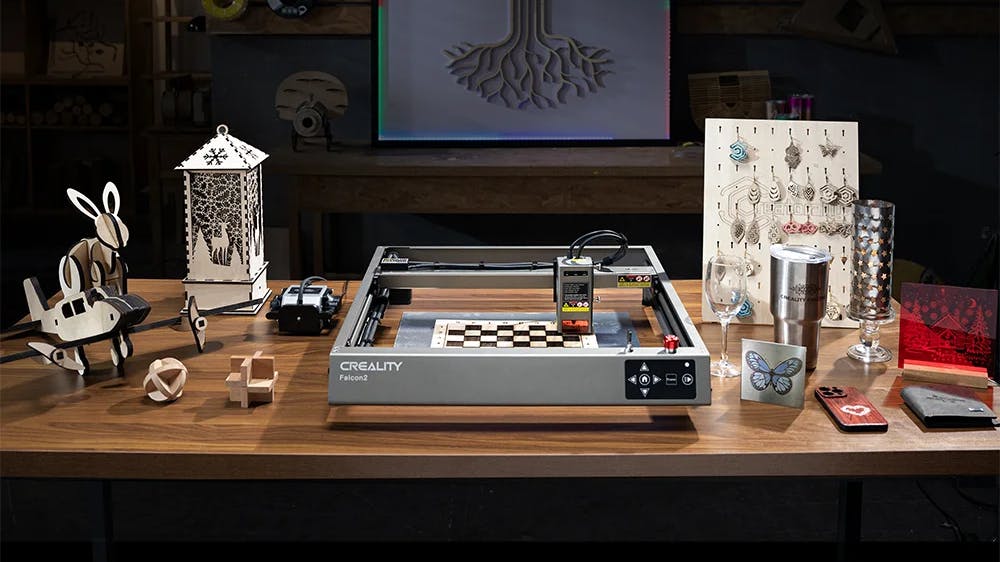
No years of experience needed. No professional studio required. You can start making beautiful things right now. The best laser engravers for beginners in 2026 are smarter, safer, and more affordable than ever. The one thing standing between you and your first engraved project? Picking a machine and plugging it in.
Start simple. Find a machine that fits your budget and workspace. Run those first five beginner projects. Build your confidence. The learning curve works fast — “I’m just trying this out” becomes “I can’t stop making things” sooner than you’d expect.
The tools are ready. The community is thriving. The one question left is — what are you going to make first?
Pick your machine, fire up the software, and go make something worth keeping. Explore the best beginner laser engravers now and start your first project today.

0条评论